Week 1
Matchsize – use to adjust position of object.
Drawcurve – use to draw curve.
Resample – use top add points.
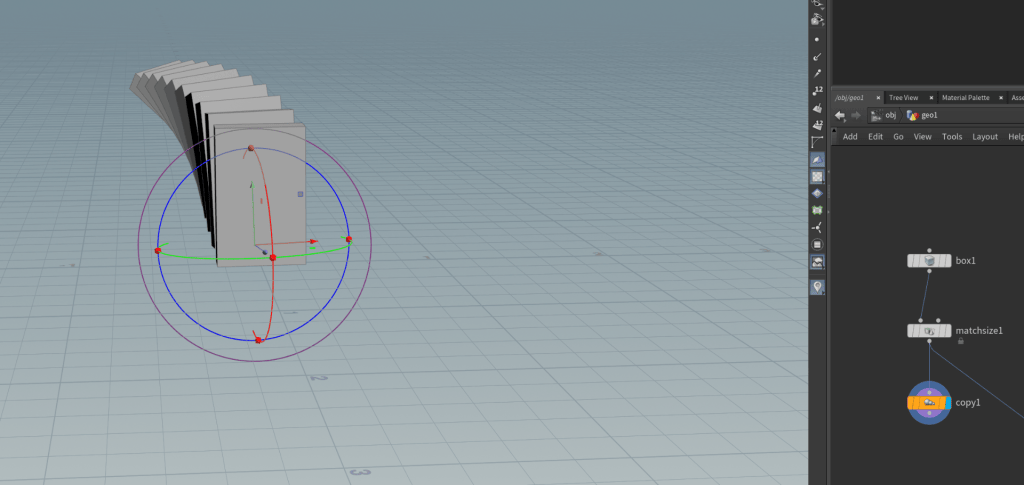
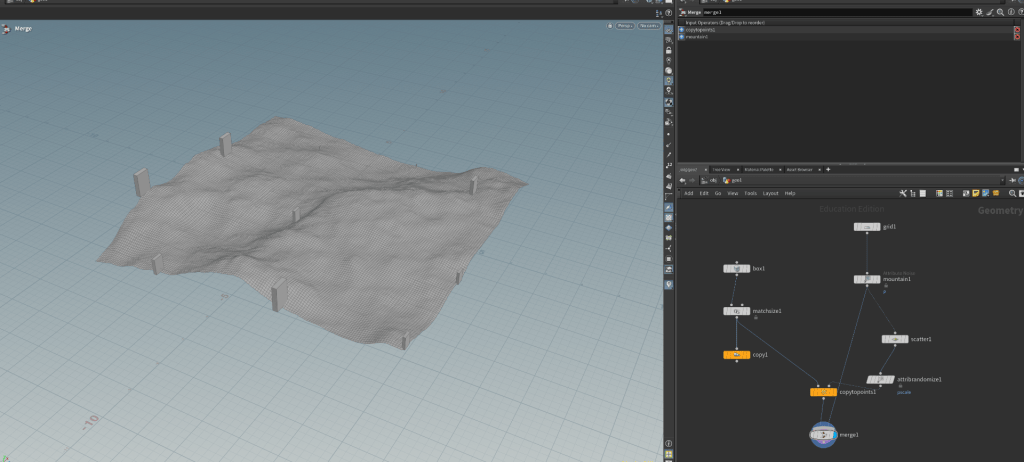
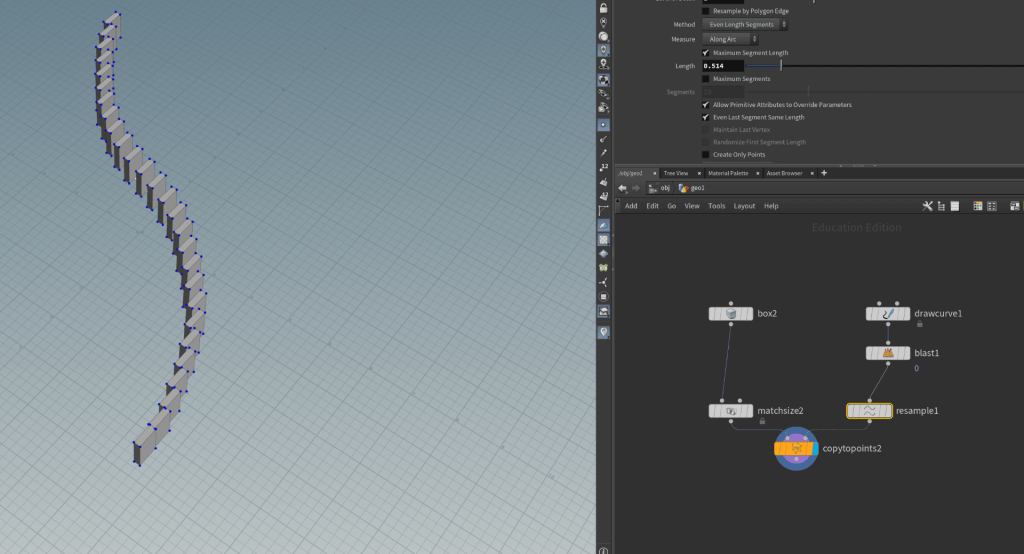
- open houdini.
- add geometry node by clicking ‘Tab’, double click on geometry node.
- add box, matchsize. connect them for adjusting there size and position.
- then drawcurve and resample. Drawcurve use to draw curves on plane. connect them.
- Resample make points on curve. then add copytopoints.
Week – 2
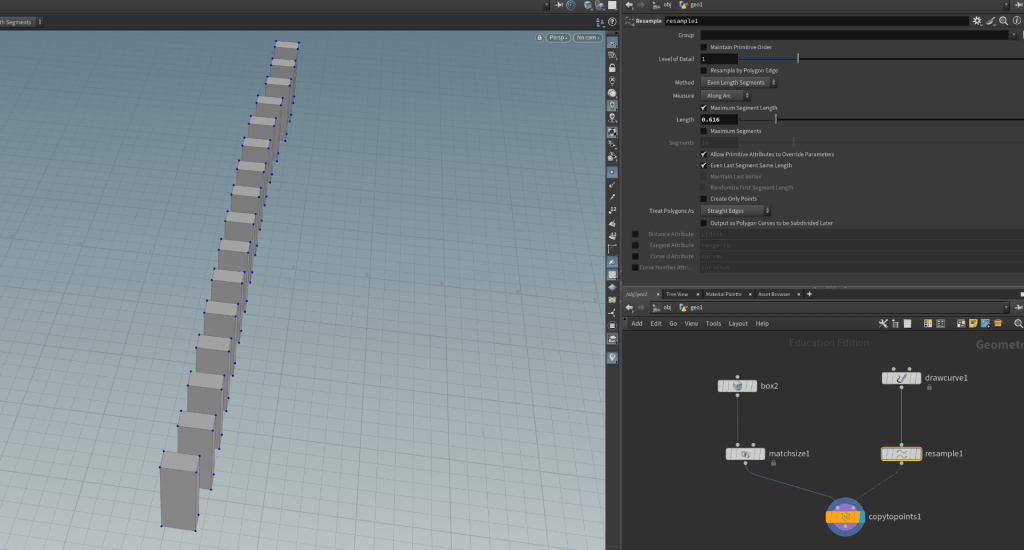

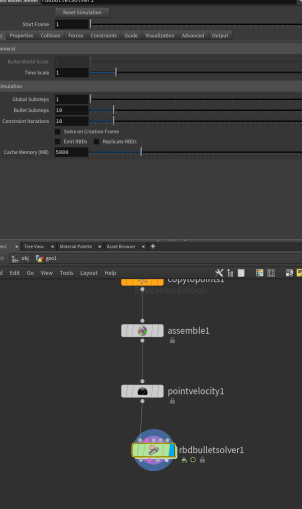
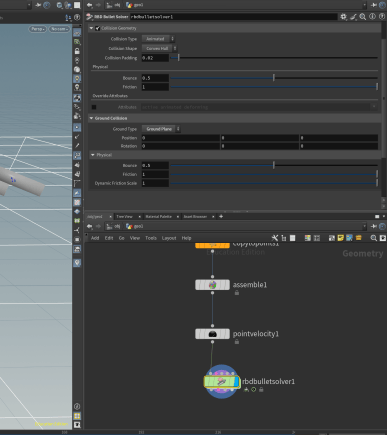
- open houdini.
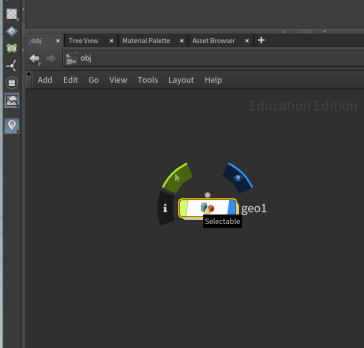
- add geometry node by clicking ‘Tab’, double click on geometry node.
- add box, matchsize. connect them for adjusting there size and position.
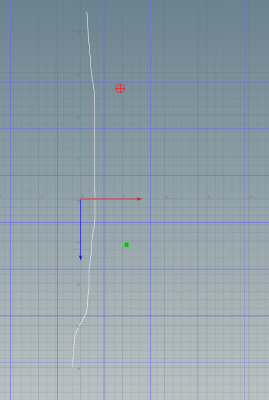
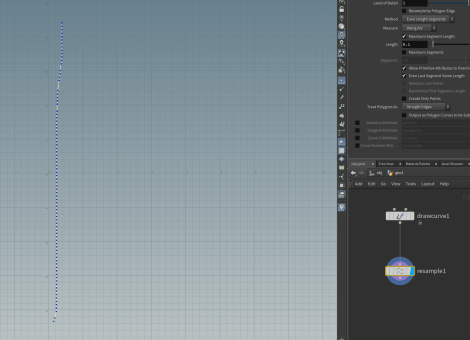
- then drawcurve and resample. Drawcurve use to draw curves on plane. connect them.
- Resample make points on curve. then add copytopoints.
- connect matchsize and resample to copytopioints.
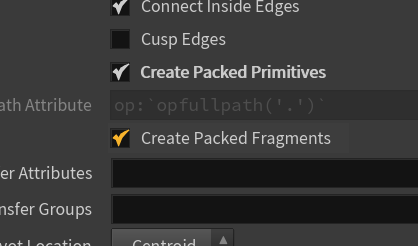
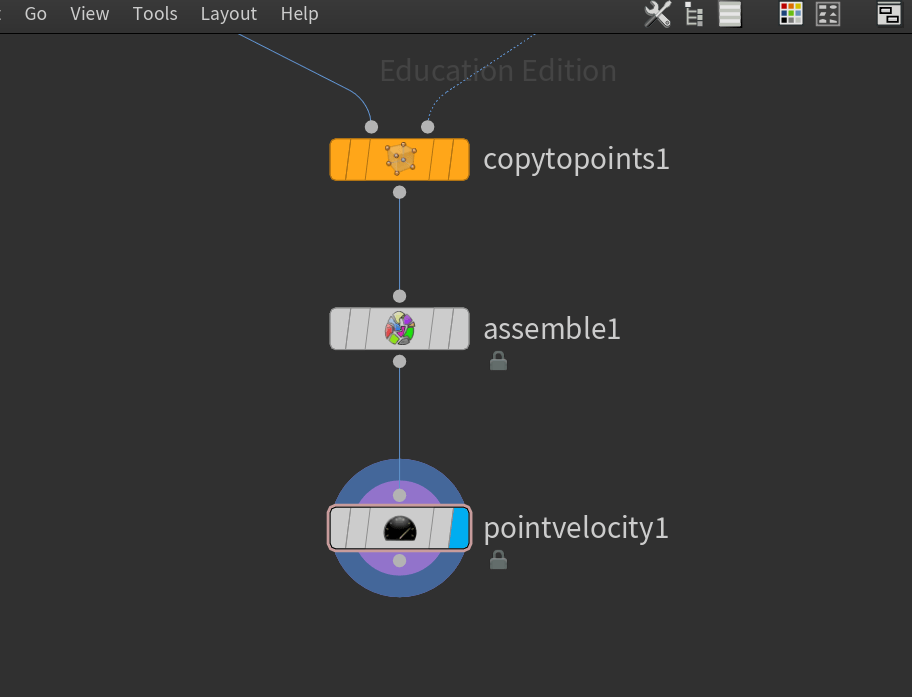
- Add assemble node [assemble will a name for each attribute].
- add pointstovelocity conect with assemble. in pointtovelocity, group name the number u want to start the velocity.
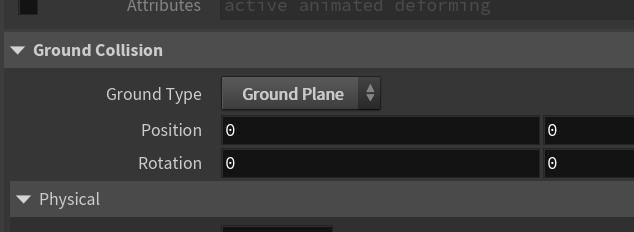
- Add RBDBulletsolver. In ground collision, ground type, select ground plane.
- In pointstovelocity, add velocity according to axis.
Breaking A wall
Node used – Box, Matchsize, Rbdmaterialfracture, Assemble, null, rbdconstraintsfromrules, rbdconstraintpropertie, rbdconfigure, rbdbulletsolver, transform, sphere, explodedview.
- open Houdini.
- Add Box, create a wall. Add matchsize.
- Add rbdmaterialfracture, connect it with matchsize.
- U can change material type, In primary Fracture, fog voulme, change noise type to perlin noise and adjust Scatter noise in both Fracture levels.
- Add rbdbulletsolver, collision, ground collision, ground type, ground plane,
- U can Explodeview node to see how it will look.
- Add assemble between rbdmaterialfracture and rbdbulletsolver to get individual number on every piece to play with.
- Add rbdconstraintfromrules node before rbdbulletsolver.
- Add rbdconstraintsproperties to add glue( so whole wall doesn’t fall when ball hit it). Above rbdbulletsolver.
- connect both geometry and proxy geometry output & constraint geometry.
- Add sphere, then add transform. hold alt and click translate to add keyframe.
Week 3
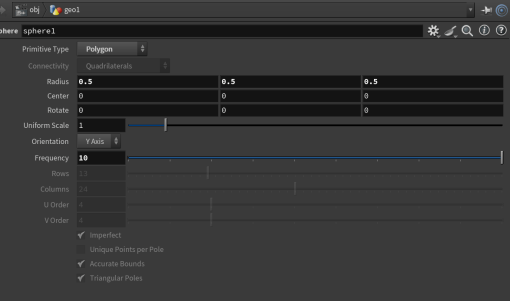
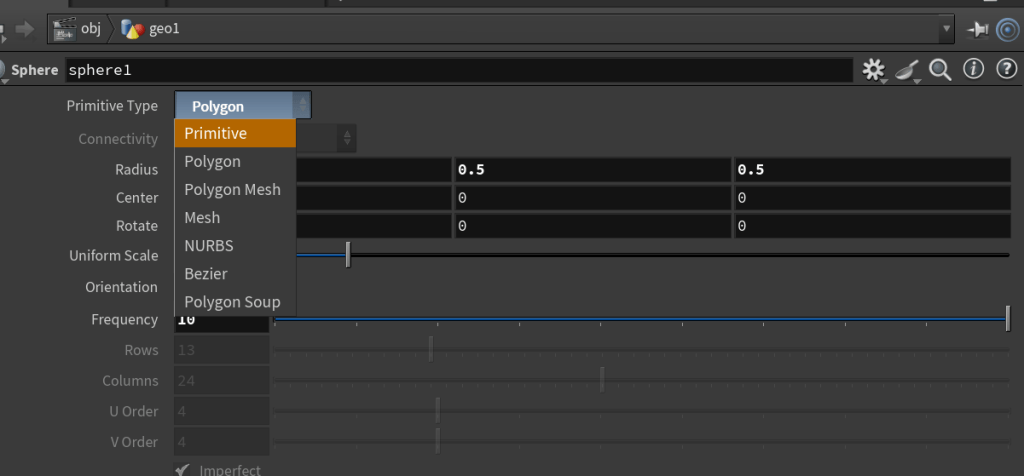
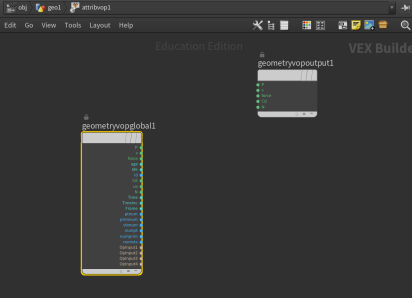
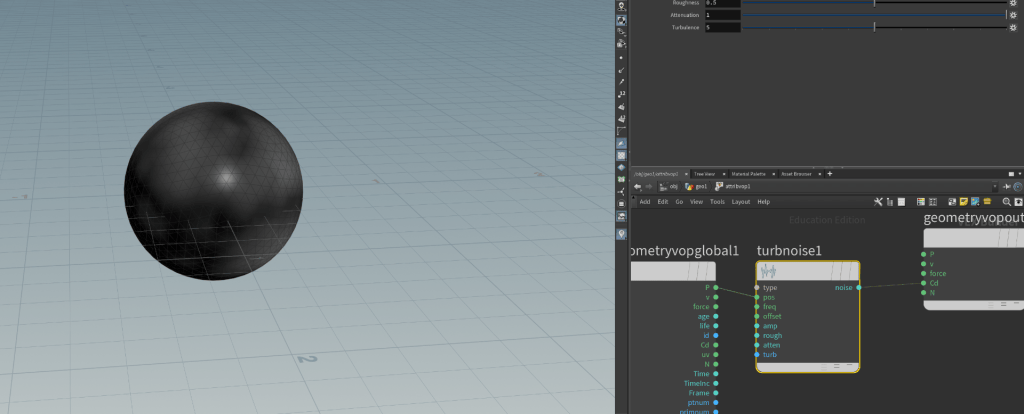
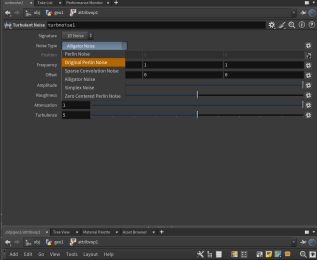
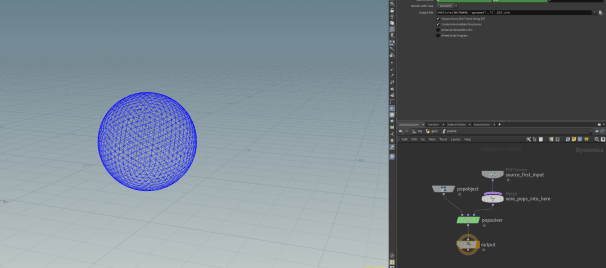
- Add a sphere.
Week 4
Smoke
Idea for Final Project
Week 5

